
Managing multiple calendars, links, and meetings is part and parcel of running a team. With Cal ID, you can manage all that on one platform. Assign different meetings to different members of your team, maintain the same links for your bookings, and allow the software to distribute the bookings among your team automatically.

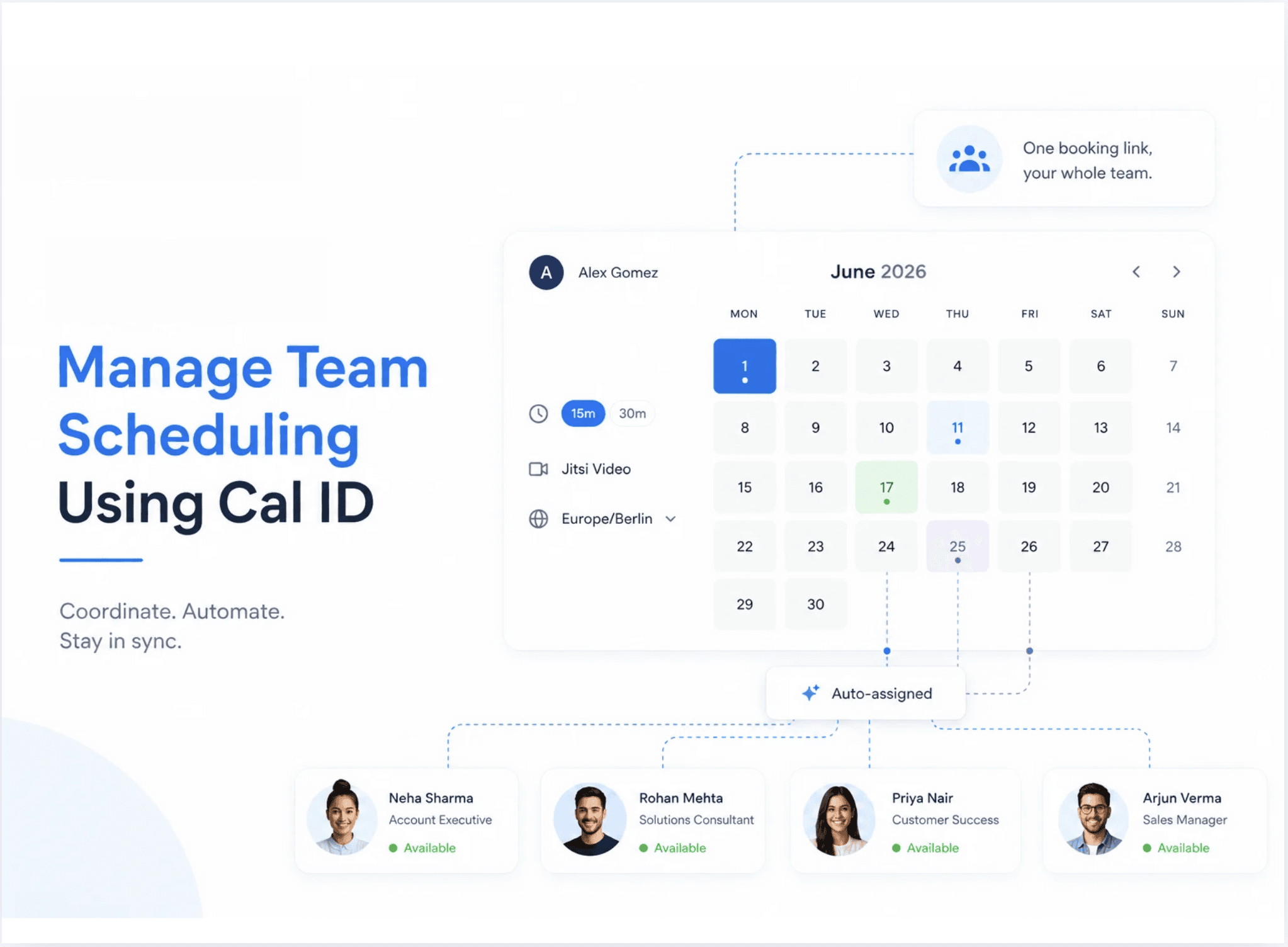
Scheduling appointments for the whole team may be trickier than it sounds. Everyone has their schedule, availability and personal way of handling things. Mistakes can occur. Clients get inconsistent experiences. And suddenly, you find yourself wasting precious time on scheduling rather than running your business.
Setting Up Your Team on Cal ID
First, you need to create a team on Cal ID. This connects all your team members in one place so you can manage their scheduling together.
How you should start:
Go to Cal ID website and sign up for free
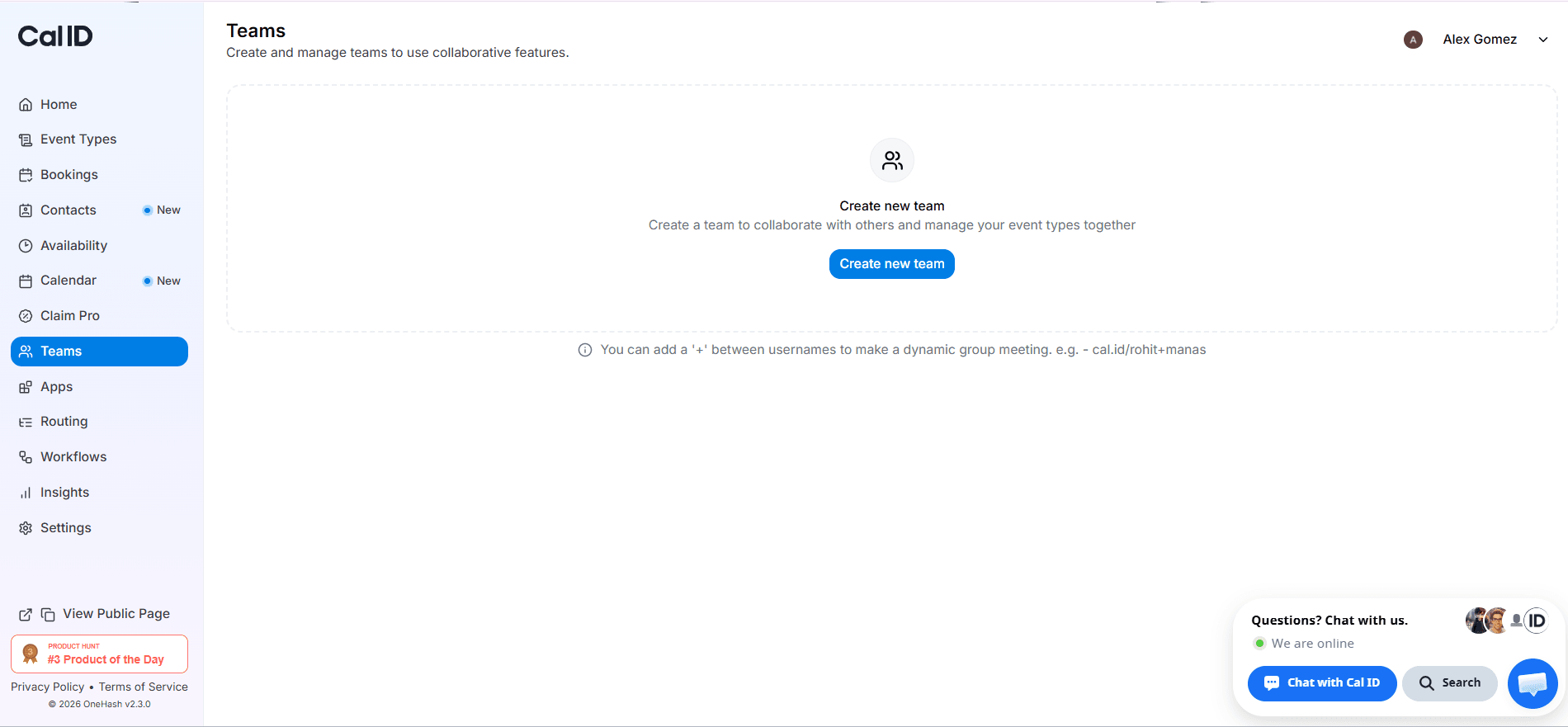
Open your dashboard and click Teams
Create a new team and invite members via email
Add admins and team members
With this done, it becomes easier for you to arrange meetings.
Your team is created. Here's what comes next.
👥 | 📅 | ⚡ |
Shared Workspace | Unified Availability | Smarter Scheduling |
Bring your team together in one place | Keep schedules synchronized | Manage bookings more efficiently |
With your team connected and organized, Cal ID's scheduling features help automate the rest.
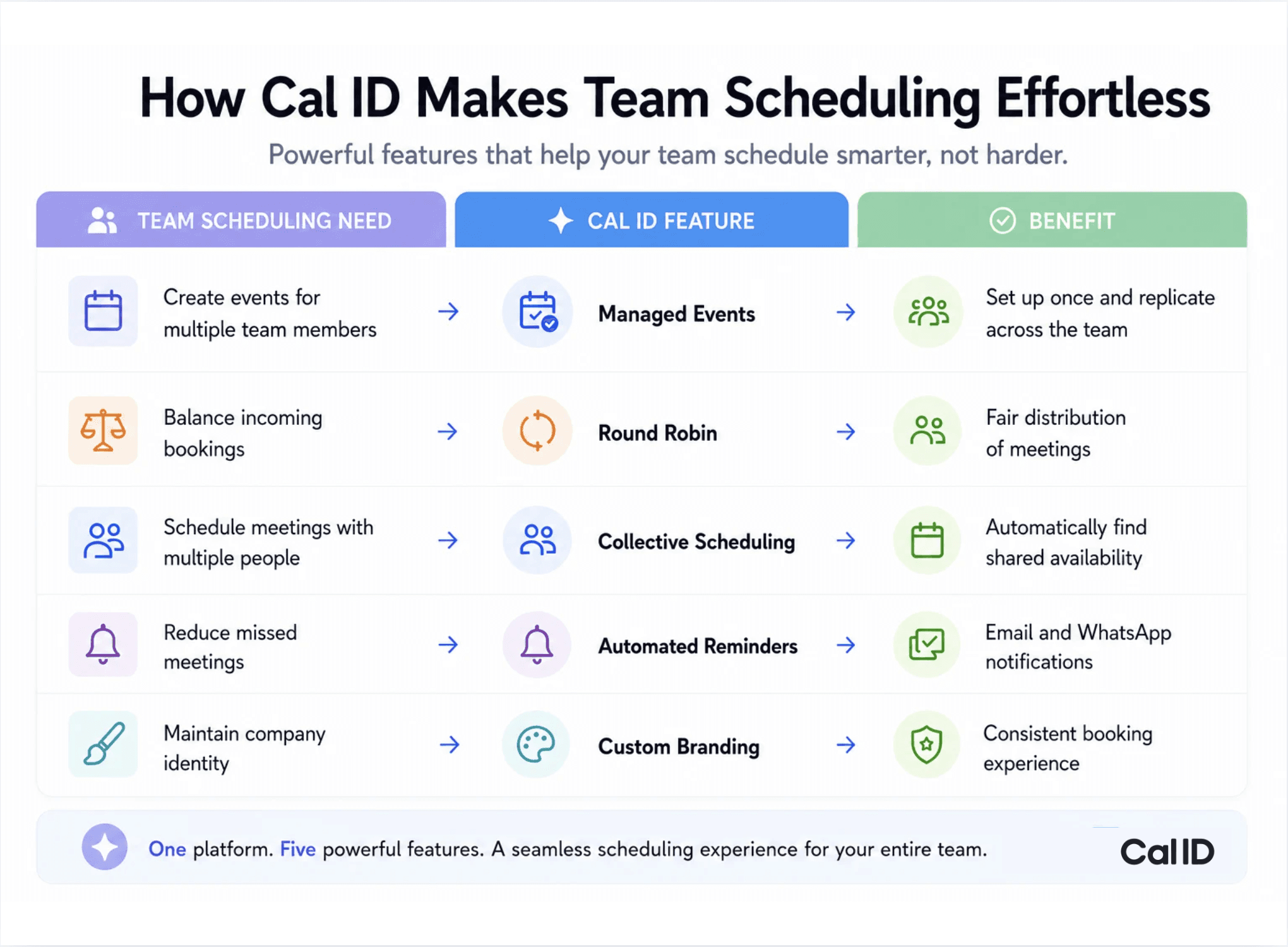
Your team is now connected in one workspace. The next step is discovering how Cal ID helps automate the complex parts of scheduling so meetings reach the right people at the right time with less manual effort.













Related Post

on
Aug 18, 2025
Cal ID lets you accept booking payments through Razorpay. Learn how to integrate Razorpay with Cal ID to automate payment collection, manage scheduling, and get paid before every meeting.