
As teams grow, managing who takes the next meeting becomes more challenging. Round Robin Scheduling solves this by automatically sharing bookings across team members, helping businesses stay organized & productive with Cal ID.

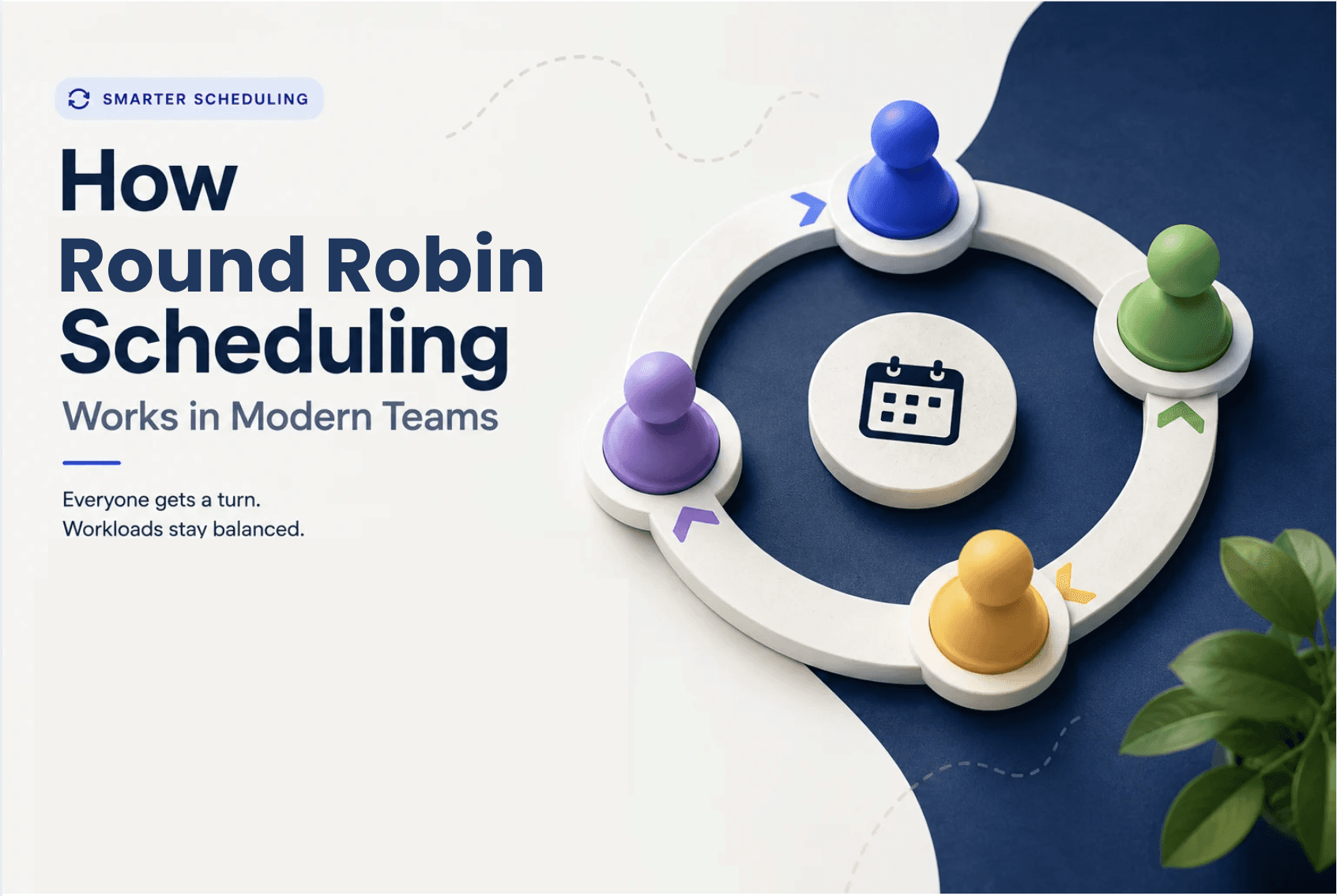
Round Robin Scheduling is an smart team event type in Cal ID that adds a group of hosts and assigns incoming bookings to available team members sequentially.
First Cal ID's round robin finds the union of free slots available per host and then assigns the booking to the available host with the highest priority that is not engaged for fair distribution.
Two ways to control who gets booked
Not every team is the same. Some people have more experience, some have more time. Cal ID gives you two simple ways to handle this.
Priority Set-up | Weighted Scheduling |
Set some people as "High priority" so they get the first shot at new bookings. Good for senior team members or top-performing salespeople. | Give someone a higher weight if they can handle more meetings. For example, a full-time rep gets 2x the bookings of a part-time. |
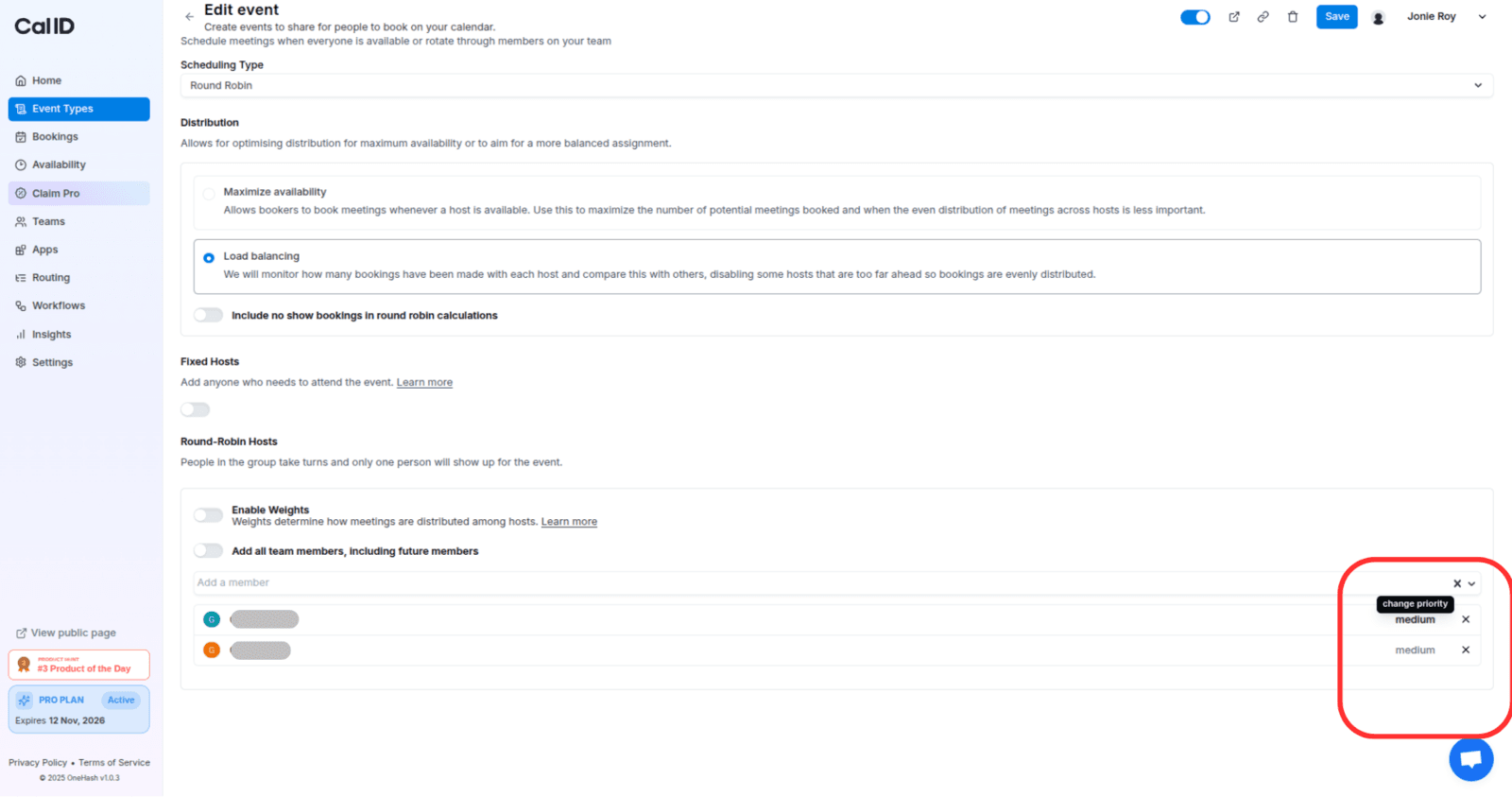
What if you always need one person in every meeting?
Sometimes you want a manager or account lead to join every single meeting, while the rest of the team rotates. Cal ID handles this too, you mark certain people as "Fixed Host" and others as "rotating."
How to set it up in Cal ID — 5 easy steps
Create a Team : Sign up on Cal ID and add the team members who will be taking meetings, assign their roles (owner, admin & member).
Create a Team Event Type : Create an event type (e.g. "Sales Call" or "Support Session") and choose "Round Robin" as the type.
Set priority or weights : Assign priority levels (High / Medium / Low) per host, or enable weighted distribution to control booking ratios.
Set fixed hosts if needed : Mark any hosts who should always attend every meeting, the remaining hosts will rotate in round robin.
Share the booking link : Your team event is ready. Share the link and Cal ID handles all assignment logic automatically.
The round robin scheduling feature in Cal ID lets you automatically spread the workload evenly among your staff. Once you set it up in the system, it will take care of everything for you, everyday.













Related Post

on
Aug 18, 2025
Cal ID lets you accept booking payments through Razorpay. Learn how to integrate Razorpay with Cal ID to automate payment collection, manage scheduling, and get paid before every meeting.